Trickle – AI‑Driven Visual Canvas for Building Apps, Websites & Forms
What is Trickle?
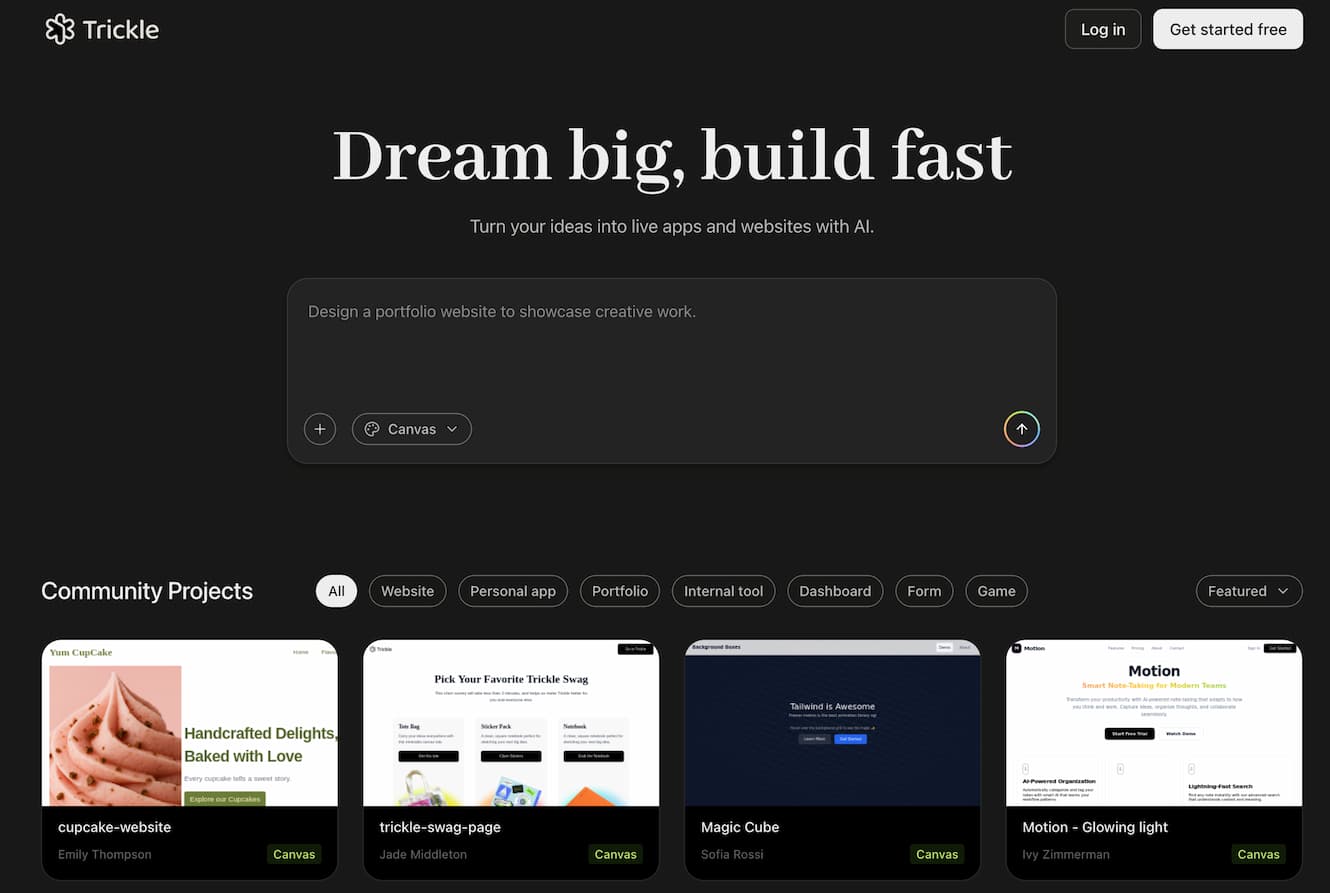
Trickle is an all-in-one tool designed for creators to build, launch, and manage AI-powered apps, websites, and forms without typing code . Its core feature—Magic Canvas—lets you sketch ideas visually and collaborate with AI in real time to generate fully functional products .
Why Choose Trickle?
- Paint ideas into products: Use natural language and visual canvas elements (notes, screenshots, asset blocks) to drive development—no coding required .
- Agentic AI inside canvas: AI agents interpret visual context to generate UI, backend logic, database, and hosting automatically .
- Built-in backend and hosting: Includes database, analytics, domain setup, and version control within a unified platform .
- Rapid productivity: Combines screenshot management, visual planning, and AI reasoning to save time—lauded as a time-saver in user feedback
Core Features
- Magic Canvas: A fully visual workspace where you drag components, upload assets, and write notes; AI updates app logic and layout instantly .
- No-code App & Form Builder: Create forms, web apps, and dashboards using conversational inputs and prebuilt components .
- Built-in Database & Analytics: Store and manage data within Trickle and monitor usage seamlessly
- Versioning & Collaboration: Track changes via checkpoints; roll back or remix versions; collaborate with a visual roadmap of edits .
- Screenshot Intelligence: Upload screenshots; AI summarizes content and makes visuals searchable as “visual memos” enhanced by GPT-4 reasoning.
How to Use Trickle
- Go to trickle.so and sign up for free.
- Open the Magic Canvas, drag or paste assets, write notes, and define your idea visually.
- Tell the AI what you want—e.g. “Build a contact form” or “Display image gallery.”
- Trickle generates UI, logic, and storage—preview instantly.
- Use version controls to rollback or branch your design.
- Publish live on custom domain; all backend is handled for you.
- Upload screenshots or docs to have AI analyze and index them.
- Use built-in analytics to monitor form responses or site performance.
Usage Tips
- Start visually: Begin with an outline on the canvas (screenshots, text, mockups), then refine with AI.
- Leverage screenshot intelligence: Capture visuals (e.g. whiteboard sketches), upload them, and let AI turn them into structured notes.
- Use version history: Try features risk-free—if layout or logic isn't ideal, revert easily.
- Integrate third-party tools: Connect Supabase, analytics, or custom integrations using prompt guides from the documentation .
What Users Say
On Reddit, one user highlights how Trickle turns screenshot chaos into searchable insights, letting GPT-4 interpret and summarize diagrams and notes . Another review notes its praise as a time-saver and appreciated its seamless screenshot and database integration for note-taking and workflows.
FAQ
Q: Is Trickle free?
A: Trickle offers a free plan. Paid tiers unlock advanced features—pricing details are available on the website .
Q: Do I need to code?
A: No. Trickle builds apps turn-key via visual canvas instructions and natural language prompts .
Q: Can I host live sites?
A: Yes. Apps and forms deploy directly from Trickle with built-in hosting and custom domain support .
Q: How is Trickle different from Figma or Notion?
A: Unlike design tools (like Figma), Trickle uses AI to turn visuals into live apps. Unlike note tools, it adds logic, storage, and forms—all in one intelligent workspace.