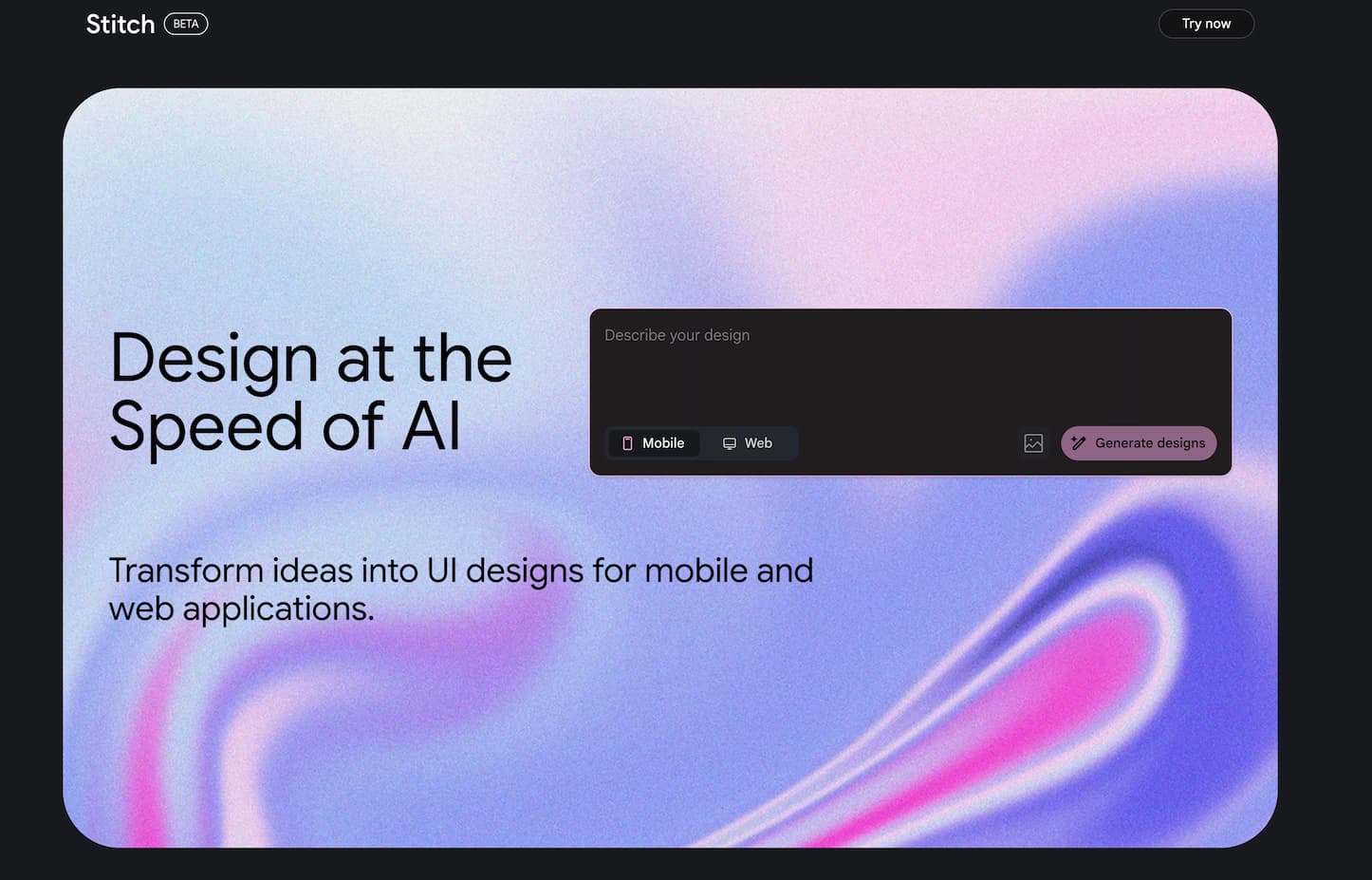
Google Stitch – AI-Powered UI Design & Frontend Code Generator
What is Google Stitch?
Google Stitch is an AI tool from Google Labs, officially launched at Google I/O 2025 (May 20). It turns plain-English descriptions or uploaded sketches into polished user interface (UI) designs and corresponding HTML/CSS code for web and mobile apps
Why Choose Google Stitch?
- Quick design turnaround – Generate multiple UI layouts in minutes using natural language or sketches ([hdcourse.com][3]).
- Two AI modes available – “Flash” mode for fast, high-level designs (350 free uses/month) and “Experimental” mode for detailed, image-based prototyping (50 uses/month)
- Full code export – Download production-ready HTML/CSS or copy directly into Figma for further design refinement
- Uses Gemini AI – Powered by Gemini 2.5 Flash and Pro models for reliable, multimodal performance
- No installation required – Fully browser-based tool hosted on Google Labs with zero setup
Core Features
- Text-to-UI: Type instructions like “Create a modern fitness app interface,” and get responsive design options in seconds
- Sketch/Image-to-UI: Upload wireframes, sketches, or screenshots; Stitch recognizes layout elements and generates UIs
- Multi-Variant Design: Receive several layout versions to compare and choose from
- Export to Figma & Code: One-click paste into Figma or export HTML/CSS for implementation
- Interactive Iteration: Refine UIs through chat or prompt-based adjustments with real-time previews .
How to Start Using Google Stitch
- Go to stitch.withgoogle.com and sign in with your Google account.
- Choose Standard Mode (Flash) or Experimental Mode (Pro).
- Enter a text prompt or upload an image/skyetch.
- Select layout type (mobile/web) and theme preferences.
- Generate designs, review variants, and customize.
- Export to Figma or grab HTML/CSS code directly.
Tips & Tricks
- Be descriptive: Prompt with layout, style, and function, e.g., “a blue-toned booking app homepage with header and grid menu”
- Use Visual Mode: Standard mode lets you tweak themes; Experimental mode processes visual inputs for refined results
- Combine sketch + text: Uploading wireframes with clear prompts yields the best precision
- Iterate swiftly: Try both modes and prompt variations to explore structural options .
Frequently Asked Questions (FAQ)
Q: Is Google Stitch live and accessible?
A: Yes. Stitch is part of Google Labs, available now via browser login using your Google account
Q: What can Stitch help me create?
A: It can design web/mobile UIs from scratch or images, generate multiple versions, export to Figma, and produce ready-to-use HTML/CSS code
Q: Is Stitch free to use?
A: Yes. It offers generous free tiers: 350 Flash-mode runs and 50 Experimental-mode runs monthly. Some advanced features may be limited
Q: How does Stitch compare to Figma’s Make UI or Uizard?
A: Stitch excels at native prompt/image-to-code workflows, offering direct code export and Figma integration. Figma caters to manual design, while Uizard focuses on visual prototyping
Q: When was Stitch announced and launched?
A: Stitch was revealed at Google I/O 2025 on May 20 and became available through Google Labs shortly after